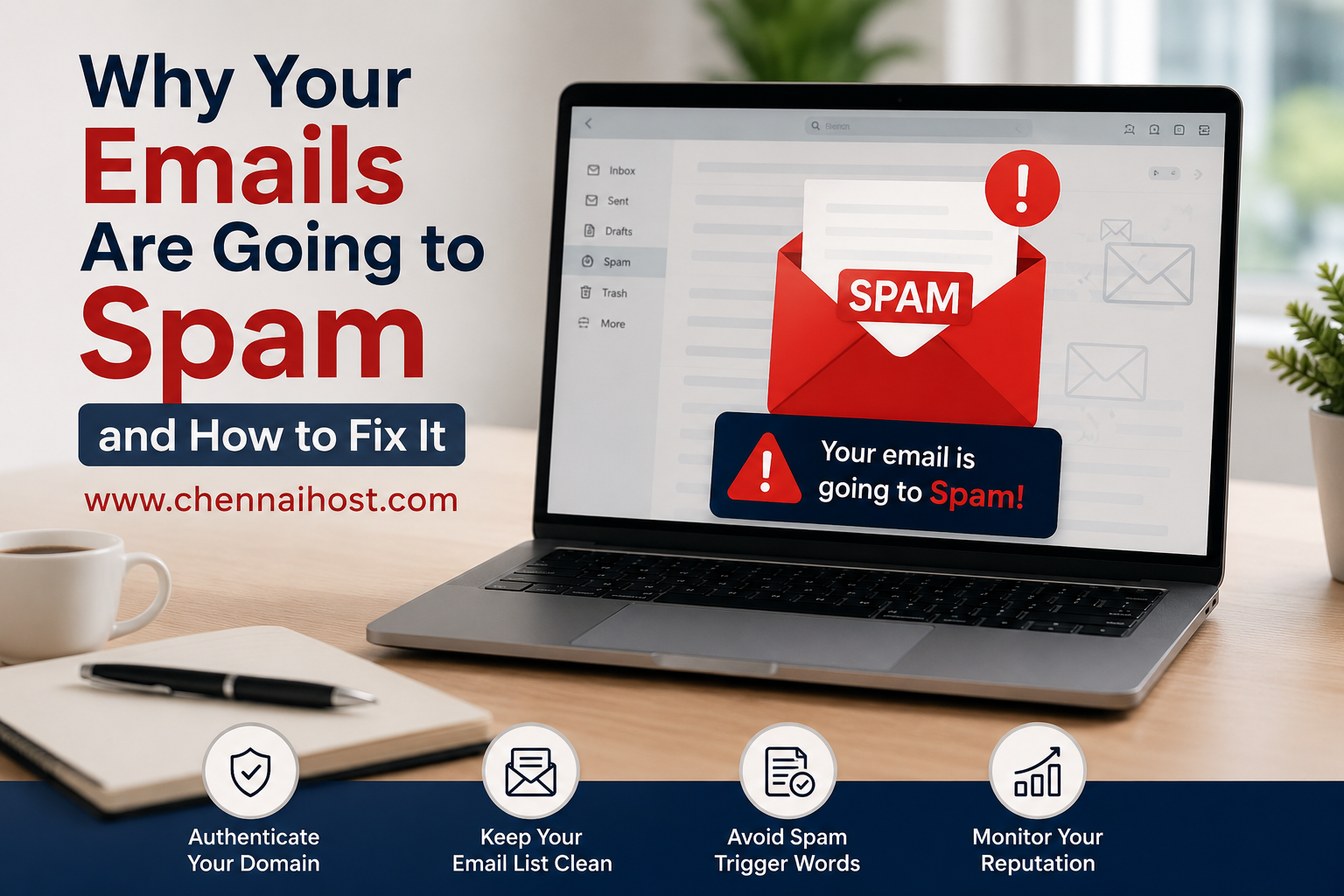
Email remains one of the most effective communication tools for businesses. Whether you are sending invoices, customer support responses, newsletters, or sales proposals, your emails need to reach the recipient’s inbox. Unfortunately, many businesses discover that their emails are landing in spam folders instead of being seen by customers.
If your emails are not reaching the inbox, you may be losing valuable business opportunities without even realizing it. Let’s explore the common reasons why emails go to spam and the steps you can take to improve email deliverability.
Why Do Emails End Up in Spam?
Email providers such as Gmail, Outlook, Yahoo, and others use advanced filtering systems to protect users from spam, phishing attempts, and malicious emails. These systems evaluate multiple factors before deciding whether an email should be delivered to the inbox or spam folder.
1. Missing Email Authentication Records
One of the most common reasons for poor email delivery is the absence of proper authentication records.
Important records include:
- SPF (Sender Policy Framework)
- DKIM (DomainKeys Identified Mail)
- DMARC (Domain-based Message Authentication, Reporting & Conformance)
Without these records, receiving mail servers cannot verify that the email is genuinely coming from your domain.
2. Poor Domain Reputation
Your domain reputation plays a significant role in email deliverability. If your domain has been associated with spam complaints, bulk email abuse, or suspicious activities, email providers may automatically filter your messages.
Building a positive sender reputation takes time and consistent email practices.
3. Sending Too Many Emails at Once
Suddenly sending thousands of emails from a new domain or email account can trigger spam filters. Email providers may view such activity as suspicious and classify the messages as spam.
Gradually increasing email volume helps establish trust with email providers.
4. Spam-Like Content
Certain content patterns can increase spam scores, such as:
- Excessive use of capital letters
- Too many exclamation marks
- Misleading subject lines
- Excessive promotional language
- Too many links or images
- Attachments from unknown senders
Professional and relevant content improves inbox placement.
5. Low Engagement Rates
Email providers monitor how recipients interact with your messages.
Negative signals include:
- Emails being deleted without opening
- Spam complaints
- Low open rates
- Low click-through rates
Positive engagement helps improve sender reputation over time.
6. Incorrect DNS Configuration
Improper DNS settings can prevent email authentication from working correctly. Even if SPF, DKIM, and DMARC records exist, configuration errors can still impact deliverability.
Regular DNS audits help ensure all records are properly configured.
How to Fix Email Deliverability Issues
Set Up SPF, DKIM, and DMARC
Proper email authentication is essential for modern email delivery. These records help verify your identity and protect your domain from spoofing attacks.
Every business domain should have correctly configured SPF, DKIM, and DMARC records.
Use Professional Business Email
Using a custom domain email address such as:
appears more trustworthy than free email services for business communication. Professional email services also provide better control over security and deliverability settings.
Keep Your Email Lists Clean
Remove:
- Invalid email addresses
- Bounced addresses
- Inactive subscribers
Sending emails to outdated or non-existent addresses can damage your sender reputation.
Avoid Spam Trigger Words
Write clear and natural email content. Focus on providing value rather than using aggressive promotional language.
Examples of words that may trigger filters include:
- Guaranteed
- Free Money
- Act Now
- Risk Free
- Limited Time Offer
Use such phrases carefully and naturally.
Monitor Your Domain Reputation
Regularly check your email performance metrics, including:
- Delivery rates
- Bounce rates
- Open rates
- Spam complaint rates
Monitoring helps identify issues before they affect business communication.
Warm Up New Domains
If you recently registered a domain, start by sending emails to a small group of recipients. Gradually increase sending volume over several weeks to establish trust with email providers.
Benefits of Better Email Deliverability
When your emails consistently reach the inbox, your business benefits from:
- Higher customer engagement
- Improved response rates
- Increased sales opportunities
- Better customer trust
- Stronger brand reputation
- More effective marketing campaigns
How ChennaiHost Can Help
At ChennaiHost, we provide reliable Business Email and Google Workspace solutions designed for professional communication. Our team assists businesses with email setup, DNS configuration, SPF, DKIM, and DMARC implementation to improve inbox delivery rates.
Whether you are launching a new business email account or troubleshooting deliverability issues, our experts can help ensure your emails reach your customers successfully.
Conclusion
Email deliverability is not just a technical concern—it directly impacts your business growth. Missing authentication records, poor domain reputation, incorrect DNS settings, and spam-like content can all cause your messages to land in spam folders.
By implementing proper email authentication, maintaining a clean sender reputation, and following email best practices, you can significantly improve inbox placement and ensure your messages are seen by the people who matter most.
For reliable business email hosting and expert email configuration support, visit www.chennaihost.com and keep your business communications flowing smoothly.